Instructions for Public Access to Approved Strategic Plans
Getting to GPS
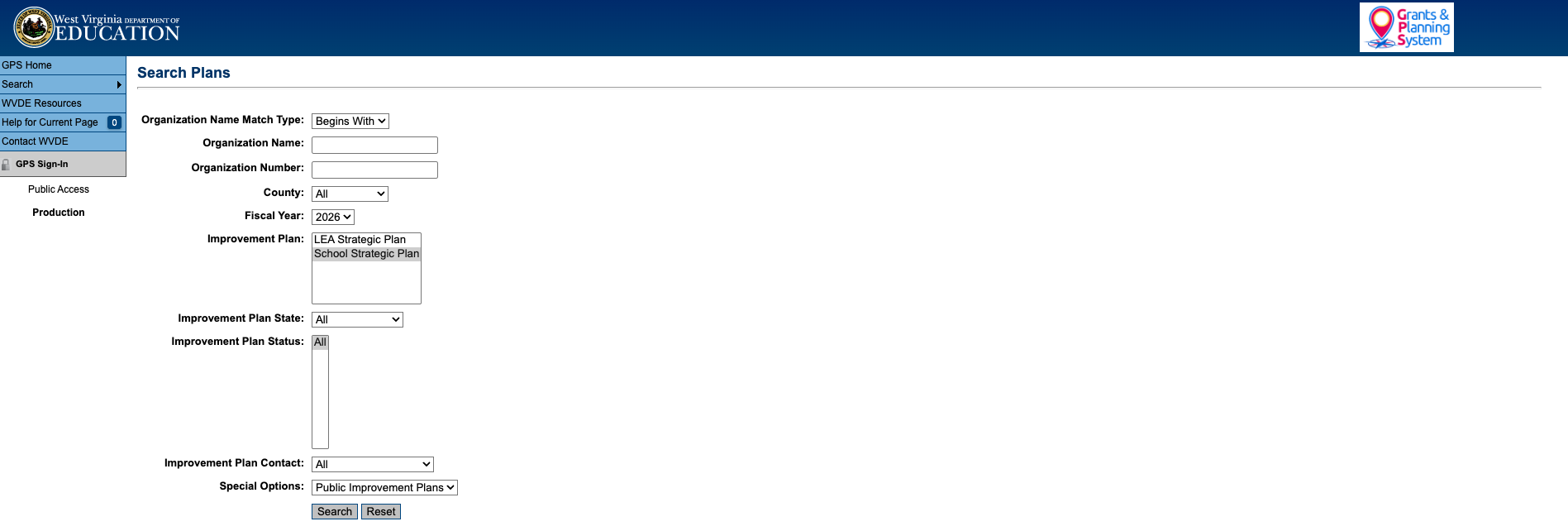
Hover over "Search," and click on "Plans."

Searching
Click "Search" at the bottom to see all approved Strategic Plans.
Click on the "LEA" (organization name) plan you want to view.
Navigation
From the main sections page, click on any underlined link to view different sections of the plan.
From the sections screen, click on "Goals," "Strategies," and "Action Steps" (Titles & Descriptions) to view the prioritized plan in its entirety.

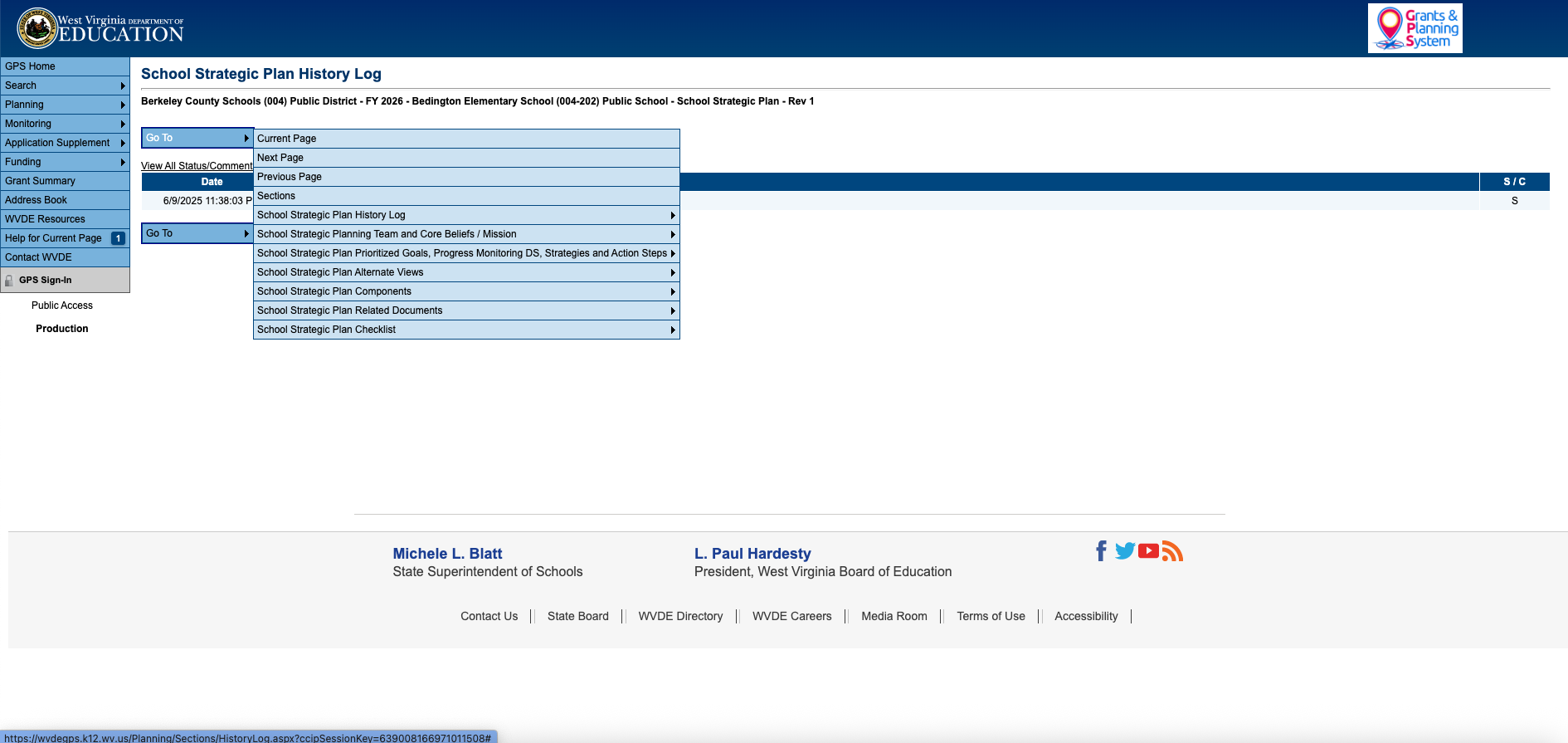
Navigation
When changing from page-to-page, hover over the "Go To" button at the top of the screen and click "Sections" to go back to the "Sections" page or click "Next Page" to keep moving through the pages of the strategic plan.